
Keep your Mac awake with the lid closed — safely. It watches heat and battery, and hands sleep back even if the app crashes. 14-day trial, $19 once.
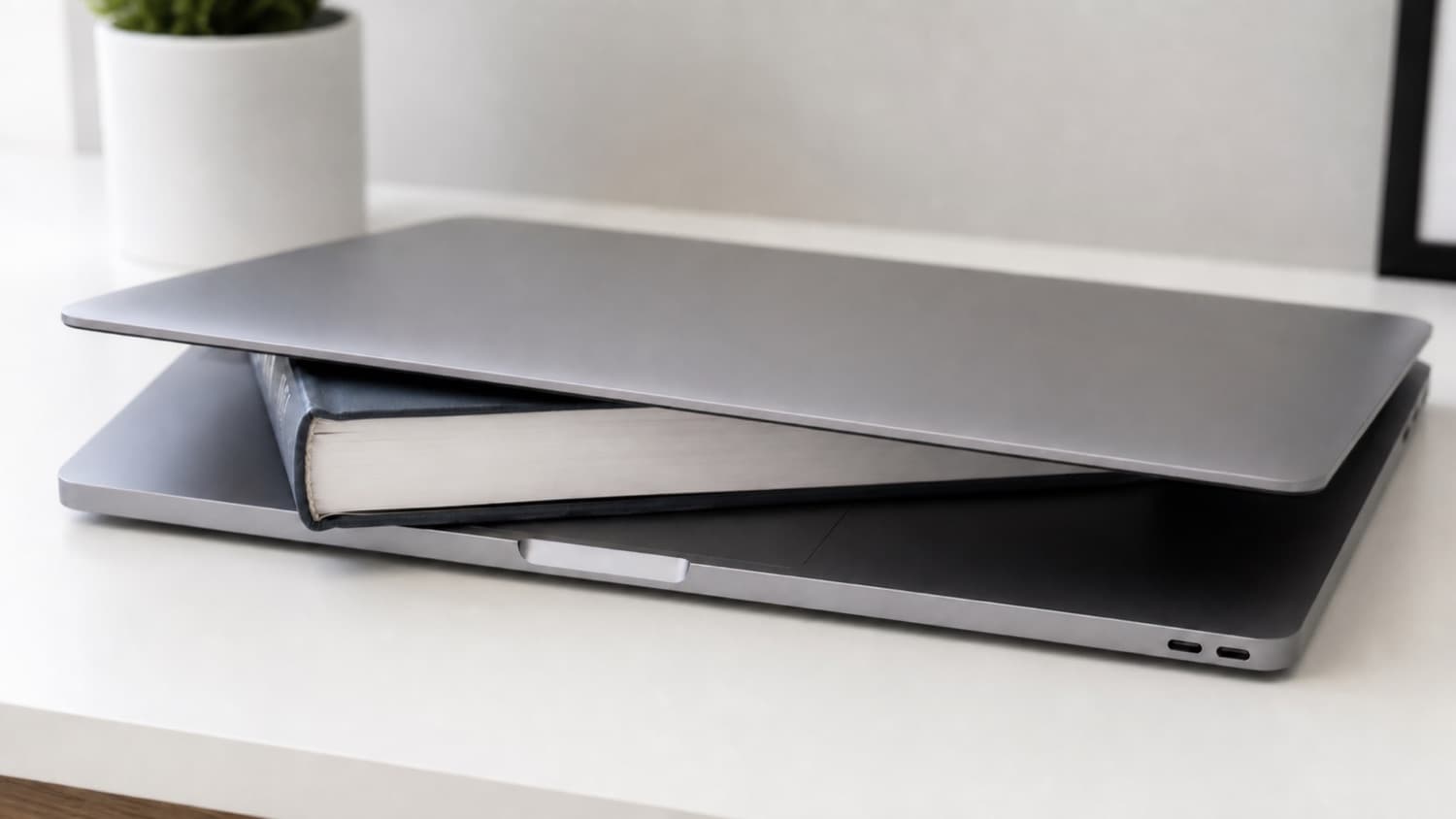
Keep Your Mac Awake with the Lid Closed — lidawake lidawake How it works FAQ by zaYco Download macOS · Apple Silicon Put the book away. Close the lid. Let the work carry on. You wedged a book on the keyboard so it wouldn’t sleep. lidawake does that job properly: one switch in your menu bar keeps your Mac awake with the lid shut — a download or an overnight job running with no monitor attached, or your external screen still going once you’re off the charger. And it gives sleep back. That setting belongs to macOS, not to lidawake. If nothing puts it back, it stays — so lidawake does: when your M
Keep your Mac awake with the lid closed — safely. It watches heat and battery, and hands sleep back even if the app crashes. 14-day trial, $19 once.
Keep Your Mac Awake with the Lid Closed — lidawake lidawake How it works FAQ by zaYco Download macOS · Apple Silicon Put the book away. Close the lid. Let the work carry on. You wedged a book on the keyboard so it wouldn’t sleep. lidawake does that job properly: one switch in your menu bar keeps your Mac awake with the lid shut — a download or an overnight job running with no monitor attached, or your external screen still going once you’re off the charger. And it gives sleep back. That setting belongs to macOS, not to lidawake. If nothing puts it back, it stays — so lidawake does: when your M