
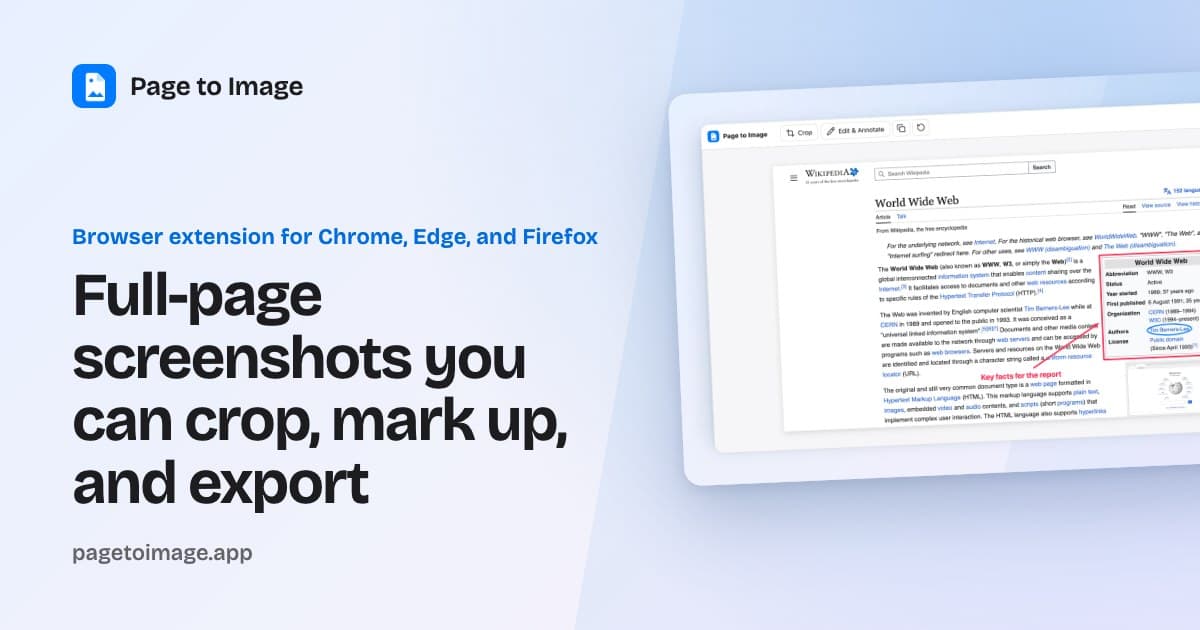
Capture full webpages in Chrome, Edge, or Firefox, crop and annotate the result, then export as PNG, JPEG, or PDF. Free to try, and captures stay local.
Full-Page Screenshot Extension for PNG & PDF — Page to Image Skip to content Page to Image Guides Compatible sites FAQ Privacy Support Add to browser Page to Image: Capture Full-Page Screenshots Capture full pages, crop the result, add annotations, then export as PNG, JPEG, or PDF. Add to browser See how it works Free to try, no account needed. For Chrome, Edge, and Firefox. ★★★★★ 5.0 on Chrome Web Store Watch the 36-second demo Full page Capture beyond the fold Crop & annotate Refine before saving PNG, JPEG, PDF Export what you need Local processing No screenshot uploads Capture revie
Capture full webpages in Chrome, Edge, or Firefox, crop and annotate the result, then export as PNG, JPEG, or PDF. Free to try, and captures stay local.
Full-Page Screenshot Extension for PNG & PDF — Page to Image Skip to content Page to Image Guides Compatible sites FAQ Privacy Support Add to browser Page to Image: Capture Full-Page Screenshots Capture full pages, crop the result, add annotations, then export as PNG, JPEG, or PDF. Add to browser See how it works Free to try, no account needed. For Chrome, Edge, and Firefox. ★★★★★ 5.0 on Chrome Web Store Watch the 36-second demo Full page Capture beyond the fold Crop & annotate Refine before saving PNG, JPEG, PDF Export what you need Local processing No screenshot uploads Capture revie


