A rich-text notes panel that flies out from your screen edge. Code blocks, task lists, images and reminders — always one gesture away. For macOS 14+.
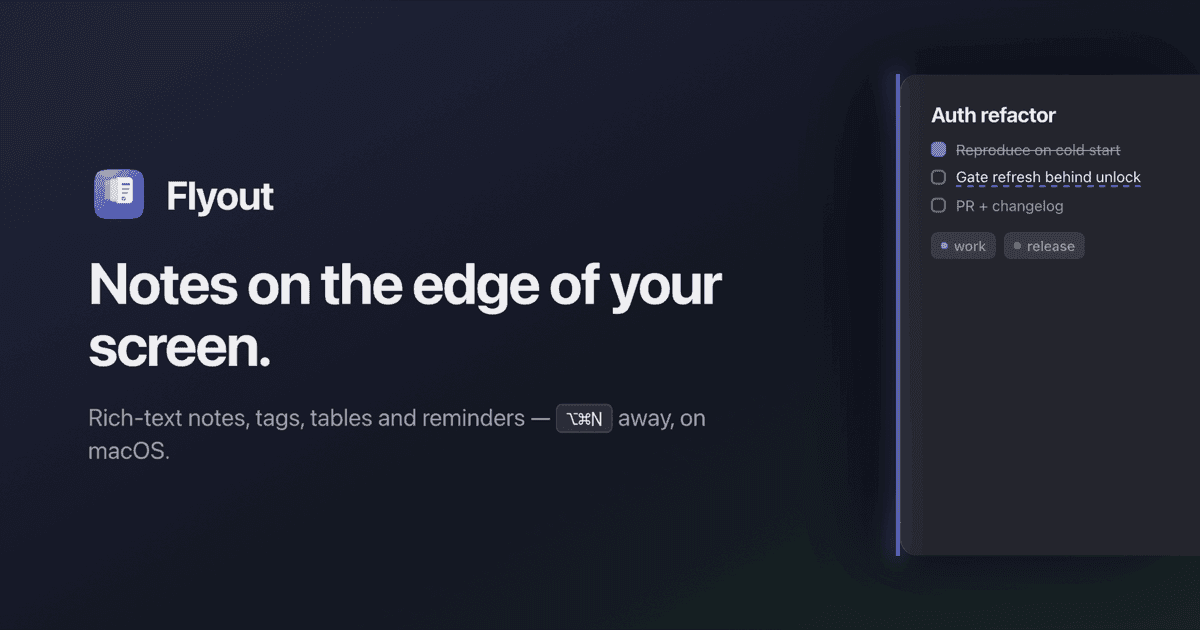
Flyout — Screen Edge Notes for macOS Skip to content Flyout Features Pricing FAQ Changelog EN English Türkçe Español Français Italiano Download Notes on the edge of your screen. Nudge the right edge — or press ⌥⌘N — and a full rich-text editor flies out over your work. Step away, and it slides back out of sight. Download free 7-day trial Buy lifetime $24 $18 For macOS 14 Sonoma and later. No account, no subscription. Editor File Edit Selection View Go Mon 9:41 AM HotEdgeController.swift // Slide out on edge dwell. func pointerDidDwell (on e: ScreenEdge ) { guard !panel.isVisible else
A rich-text notes panel that flies out from your screen edge. Code blocks, task lists, images and reminders — always one gesture away. For macOS 14+.
Flyout — Screen Edge Notes for macOS Skip to content Flyout Features Pricing FAQ Changelog EN English Türkçe Español Français Italiano Download Notes on the edge of your screen. Nudge the right edge — or press ⌥⌘N — and a full rich-text editor flies out over your work. Step away, and it slides back out of sight. Download free 7-day trial Buy lifetime $24 $18 For macOS 14 Sonoma and later. No account, no subscription. Editor File Edit Selection View Go Mon 9:41 AM HotEdgeController.swift // Slide out on edge dwell. func pointerDidDwell (on e: ScreenEdge ) { guard !panel.isVisible else