ClipTurn
Rotate videos physically from File Explorer with no uploads or guesswork
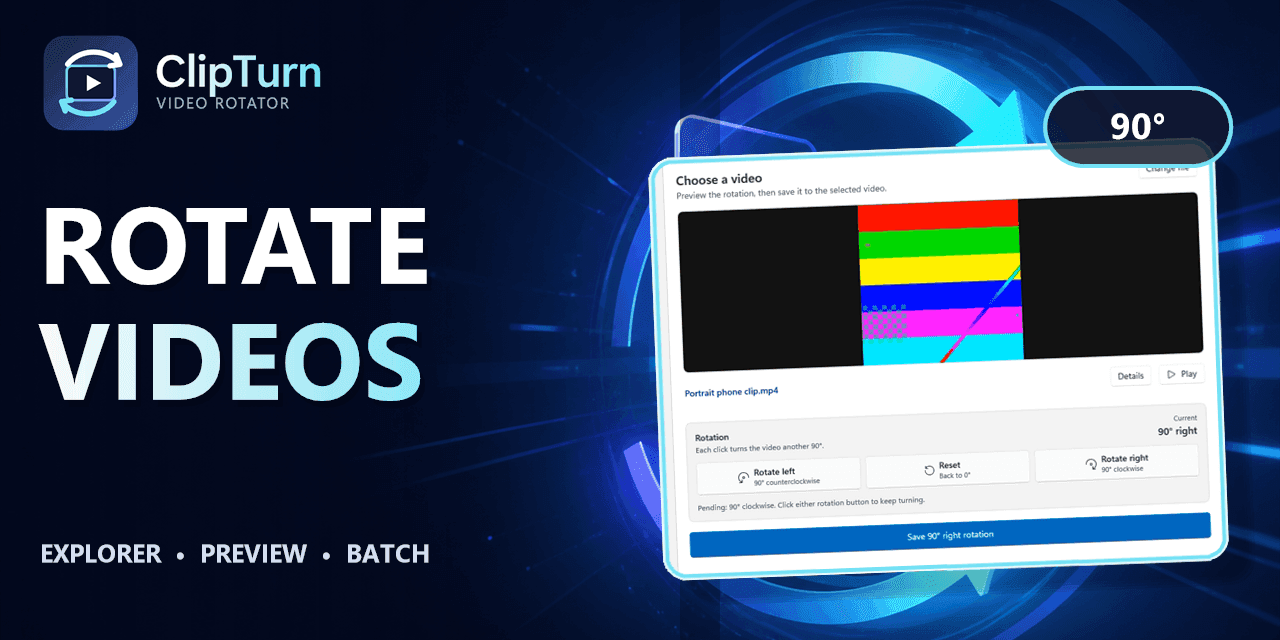
Rotate a video on Windows 11 or 10 straight from the right-click menu. ClipTurn turns the picture itself and verifies the result before replacing it.
Video Rotator for Windows 11 and Windows 10 — Free Skip to content Clip Turn How it works Pricing Guides Manual Changelog Microsoft Store Currently free for Windows 11 (and 10) Rotate a video like you rotate a photo. ClipTurn turns the picture inside the file—not just an orientation flag—then verifies the result before it replaces the source. Get ClipTurn from Microsoft Store See how it works No account No codec questions No video uploads ; it must stay here. --> ✓ Verified before replacement ↻ Physical rotation The picture itself is turned ⋯ Explorer commands Right-click and rotate ✓ Independ
Rotate a video on Windows 11 or 10 straight from the right-click menu. ClipTurn turns the picture itself and verifies the result before replacing it.
Video Rotator for Windows 11 and Windows 10 — Free Skip to content Clip Turn How it works Pricing Guides Manual Changelog Microsoft Store Currently free for Windows 11 (and 10) Rotate a video like you rotate a photo. ClipTurn turns the picture inside the file—not just an orientation flag—then verifies the result before it replaces the source. Get ClipTurn from Microsoft Store See how it works No account No codec questions No video uploads ; it must stay here. --> ✓ Verified before replacement ↻ Physical rotation The picture itself is turned ⋯ Explorer commands Right-click and rotate ✓ Independ